Overview
Users can view Material Orders and Prefabrication Orders in a number of different ways within ManufactOn.
Changing Views
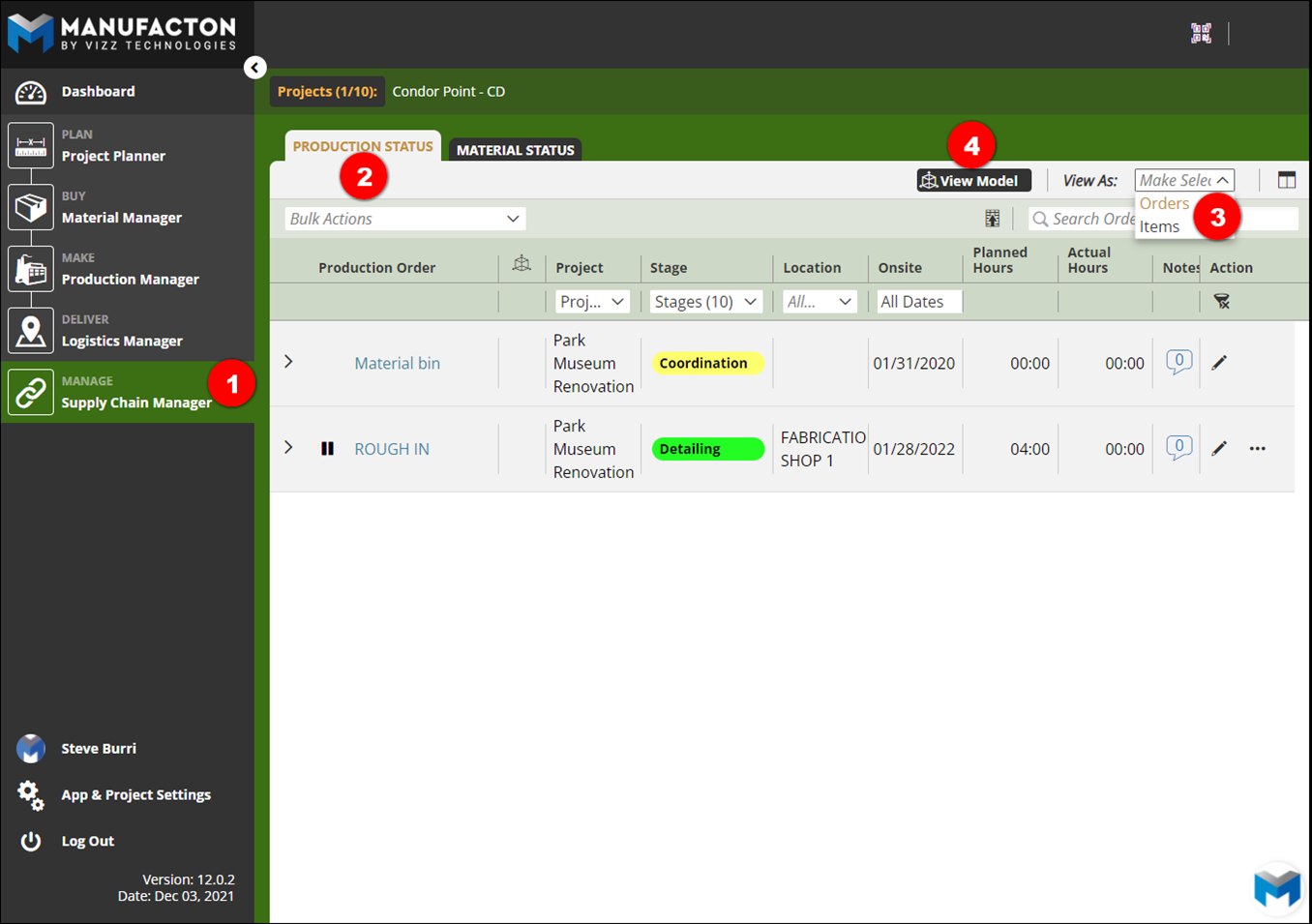
To change the view:
- Select Supply Chain Manager
- Select Production Status
- Click the View As dropdown
- Or Select View Model
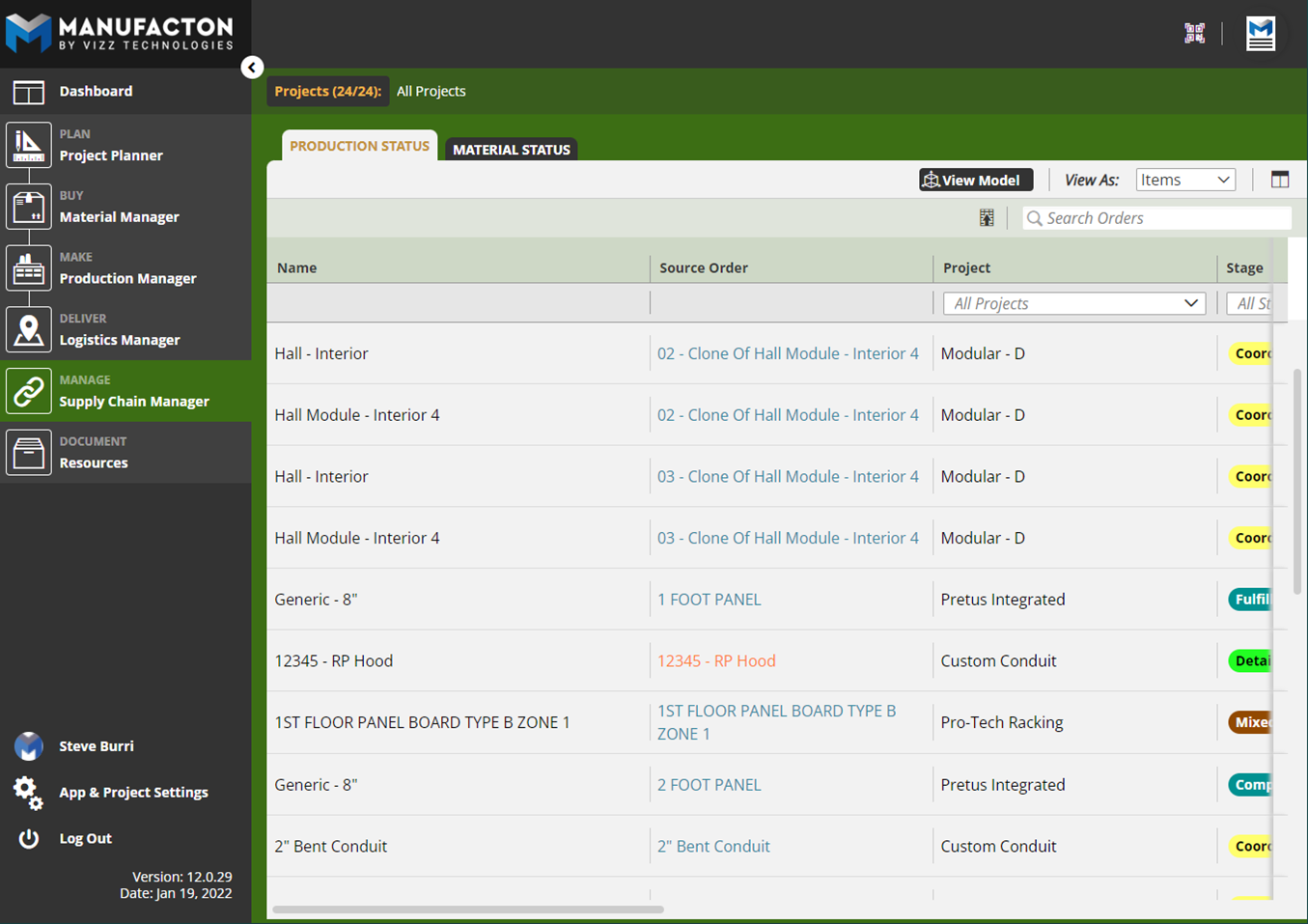
Item View
View each individual item or sub-assembly with the Item View. This view provides order and project context, as well as standard information shown in other views.
This view is often used by shop team members that only want to see components (spool, rack, panel, etc.) that they are responsible for fabricating.
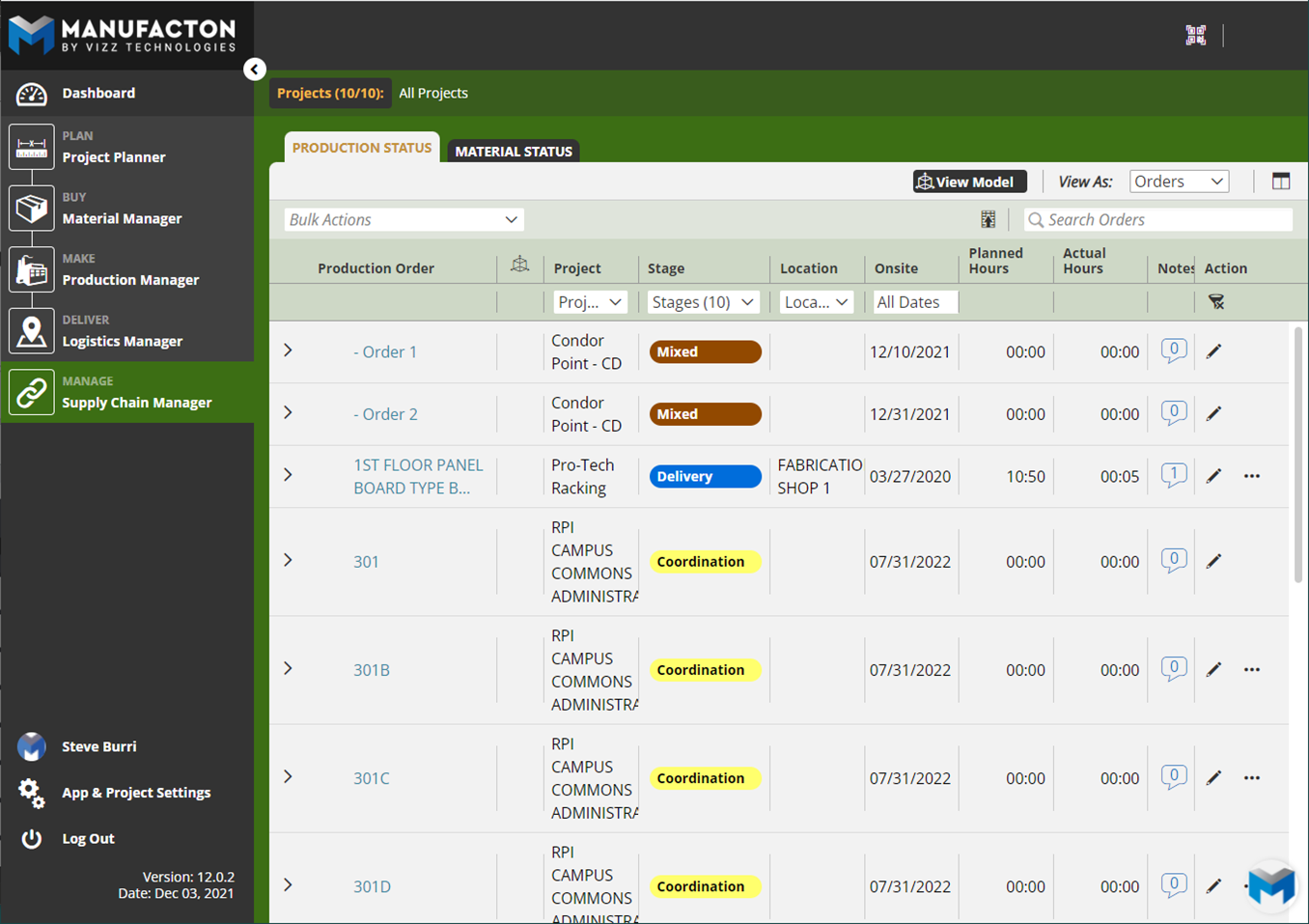
Order View
View a list of all production orders within Order View - as well as percentage completed in the shop.
This is the standard view utilized by the majority of teams on ManufactOn.
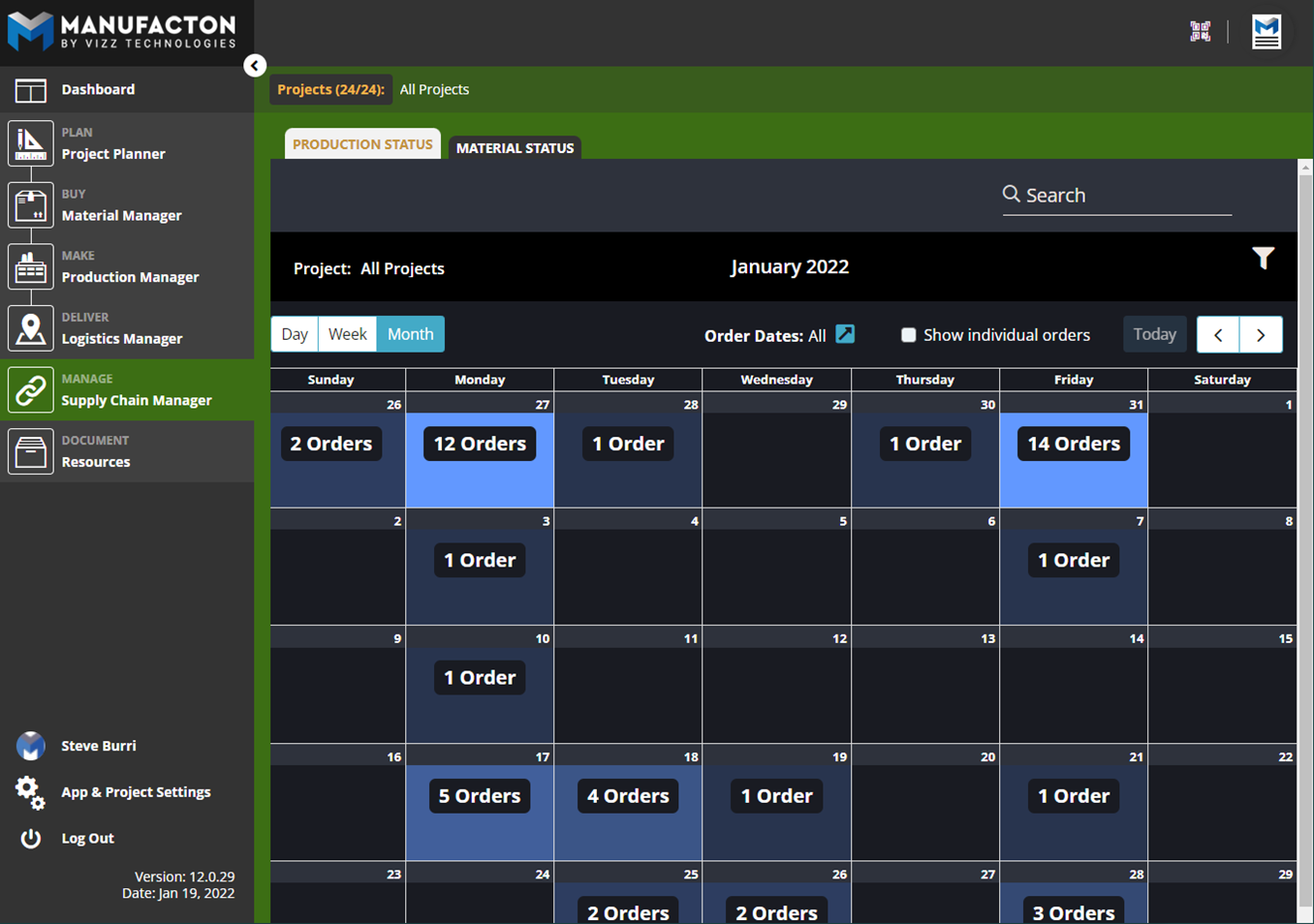
Calendar View
Visually plan out labor and prioritize shop production with the Calendar view. Users may apply the same filters, as well as select phases of fabrication to display.
This view is often used by Shop Foreman to help load balance work across days.
See the Production Manager Calendar Knowledge Article for additional information related to the Calendar View.
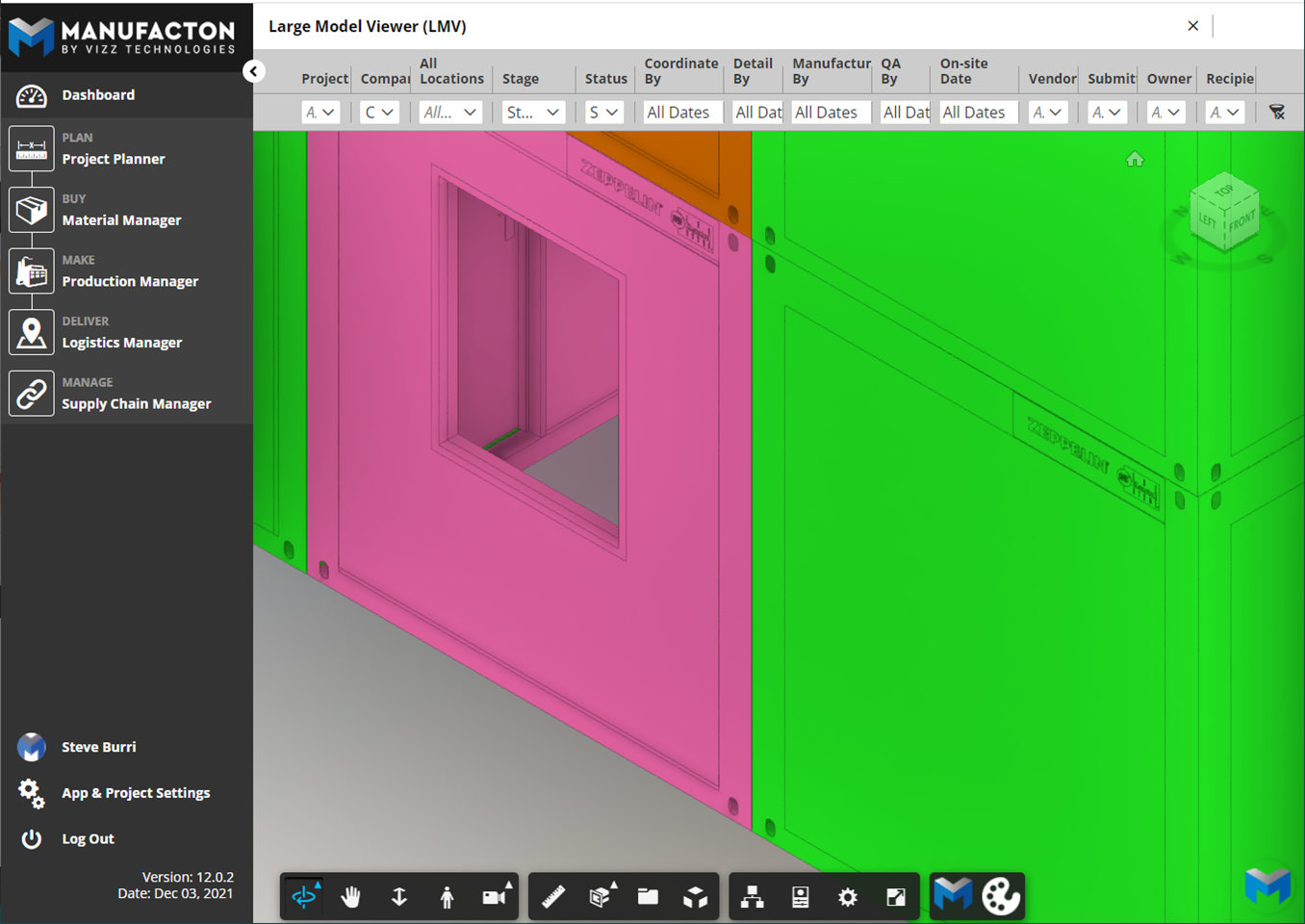
Model View
Get a model-based view of where things are in production.
Comments
0 comments
Please sign in to leave a comment.